Similar approaches
As our project focuses on navigation the first task was to try and get an understanding of several alternative techniques for navigating a VR environment. Whilst teleporting was a non nauseating and relatively simple method of navigating the world, it is immersion breaking and results in a disrupted VR experience. One such example of this is PAYDAY2 VR where the teleport ability is used to navigate around the map. Whilst in very confined spaces the player is able to freely perform actions such as hiding in cover giving the player that sense of immersion, the teleporting behaviour immediately breaks and contradicts this by allowing the player for instance to teleport past guards, taking them out of the experience.
Considering this we looked to various areas of inspiration based on our war-room, god-like navigation concept. The result of this was the discovery of Google Earth VR which is a VR implementation of the infamous Google Earth program where users are able to navigate around various locations on earth as well as other planets. In this program users are able to physically navigate around the earth or other planets via the provided motion controls, where the various buttons are used to allow the player to either move or rotate the world from there perspective. The player is also able to zoom in and out using a single button as well as various other commands you would typically find in google earth.
As this system somewhat imitated our concept we decided to spend some time with the program evaluating its strengths and weaknesses.
Our Viewpoints
Our testing found that Google Earth VR was somewhat intuitive from a usability perspective. Movement via the triggers was instantly recognisable and it allowed us to easily control and navigate around the world. Rotation especially in street view mode was quite intuitive and didn’t seem confusing in any way. Google Earth VR also succeeded in terms of scaling and immersion.
However, there were several issues that we noted with Google Earth VR, namely the controls which could be significantly improved. During testing we found that we often wanted to use smart phone gestures with our controllers such as pinch to zoom. The fact that such familiar gestures were unsupported was quite and annoyance and did result in a slight loss of a sense of control.
Others Viewpoints
Alongside our own tests, we were also able to get a small sample of testers who have had limited experience with VR to test various VR applications including predominantly Google Earth VR. Due to the limited experience of these users, they initially played through the SteamVR tutorial allowing them to get a sense of how VR works. The headset these users used was the HTC Vive and they were free to sample the game for as long as they wished and were free to ask for help as needed. The number of testers that participated was 3. After there said session they were asked to give feedback about there experience.
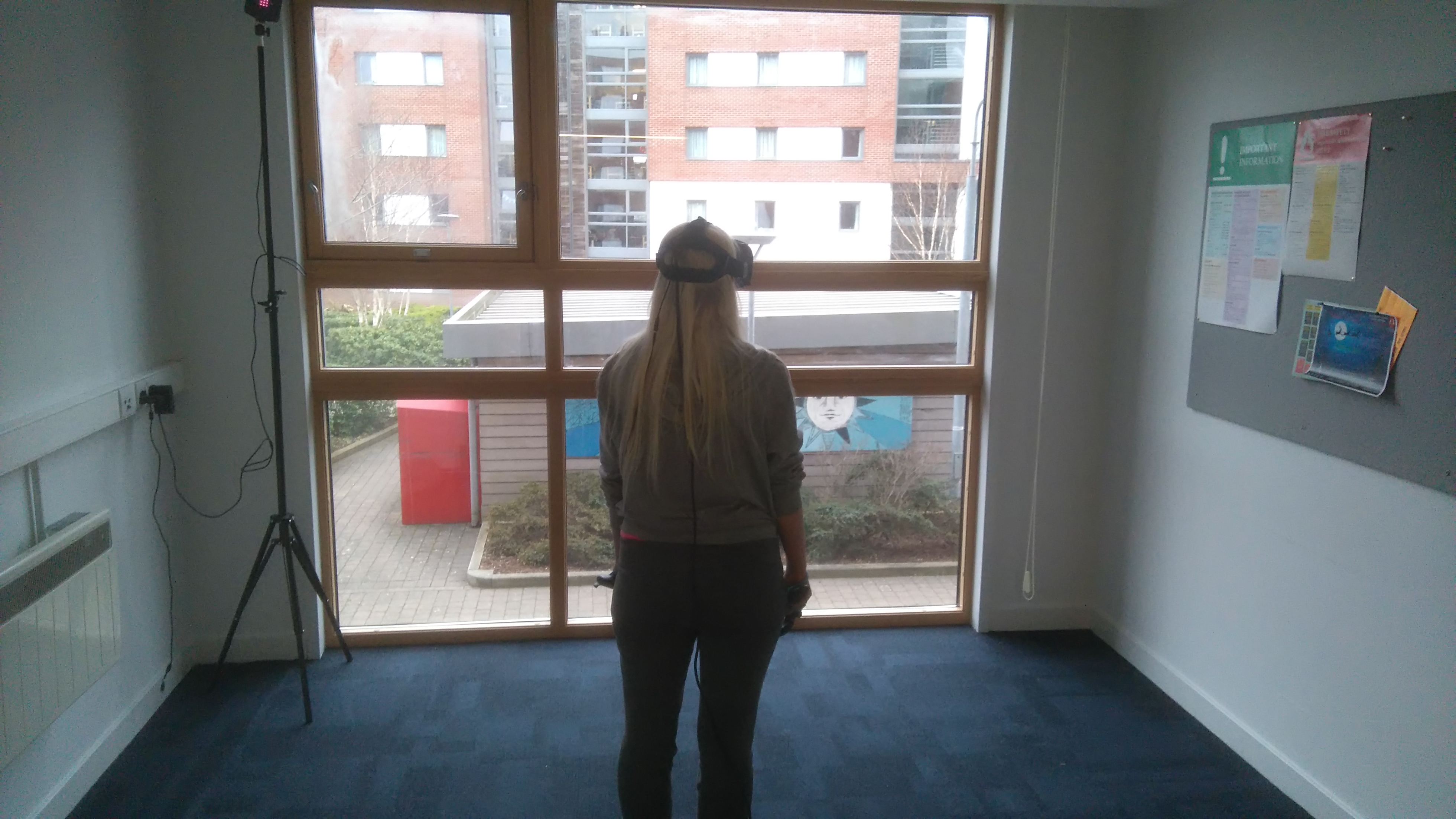
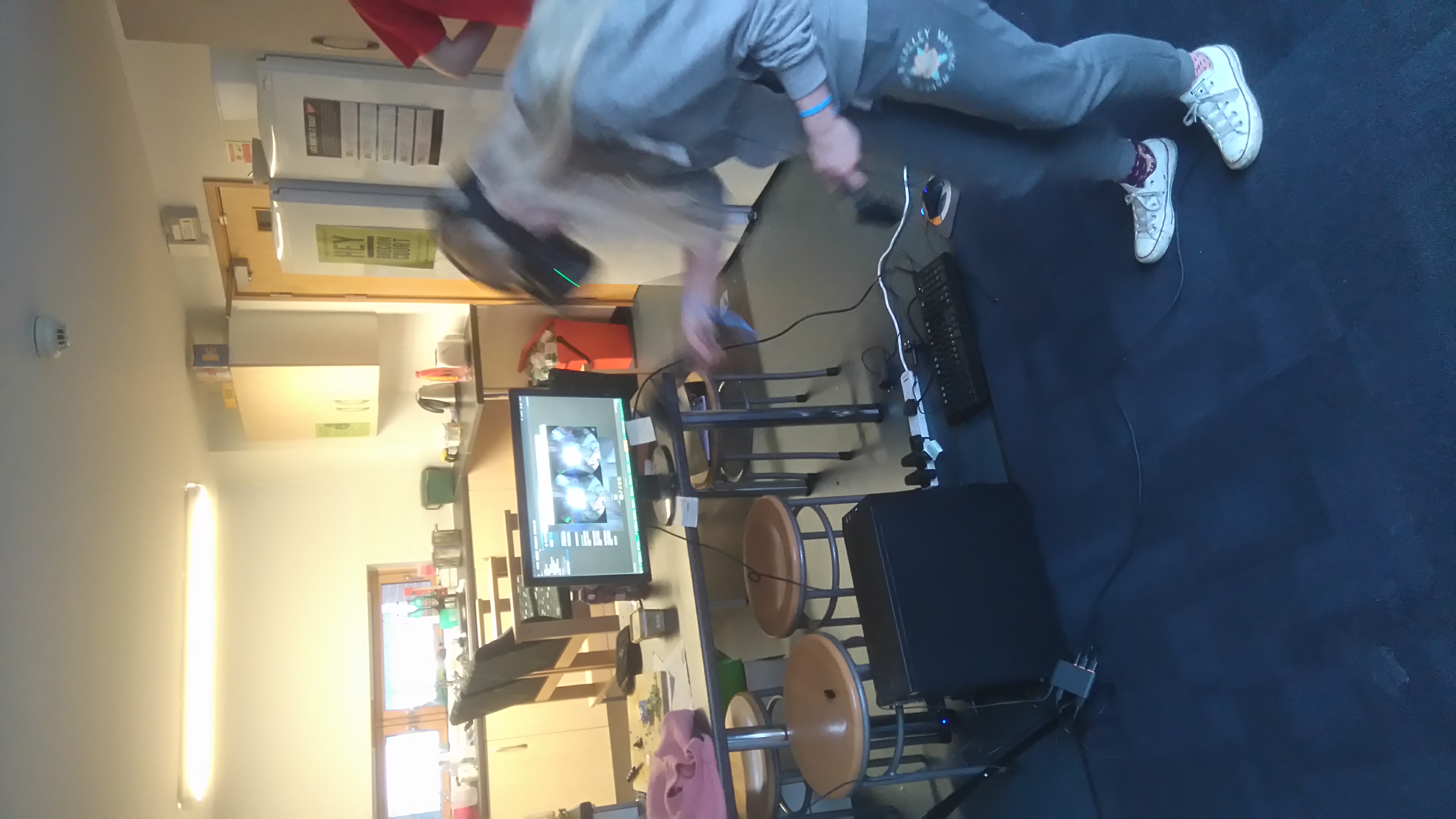
Samples from the introductory playtesting session
The feedback on google earth VR that we received from the testers was decidedly mixed. The first tester who had reported that he had limited experience with VR felt that Google Earth VR lacked in terms of controls, with the tester remarking at how the controls were not intuitive and lacked in terms of quality. This issue was echoed amongst some of the other testers with another tester (who was experiencing VR for the first time) remarking that the Google Earth VR controls were quite lacking and were quite difficult to get use to initially.
Amongst this we also got some information on motion sickness amongst the testers, and whilst the first tester reported no issues with motion sickness the second tester noted that some of the 3D environments she was in led to mild nausea.
Conclusions
This playtesting although limited has provided some interesting insights and considerations for our experience. One area that we will be strongly considering will be the control aspect as feedback seemed to mirror our findings. Hence it is likely that the correct application of a smartphone like interface would result in more intuitive controls, hence garnering a more positive response from all including new VR users. However we should also consider the motion sickness aspect of Google Earth VR and how it could cause problems for new VR users as our findings have shown.
Whilst this was a playtest it was limited in scope and more testing will be needed in the future.